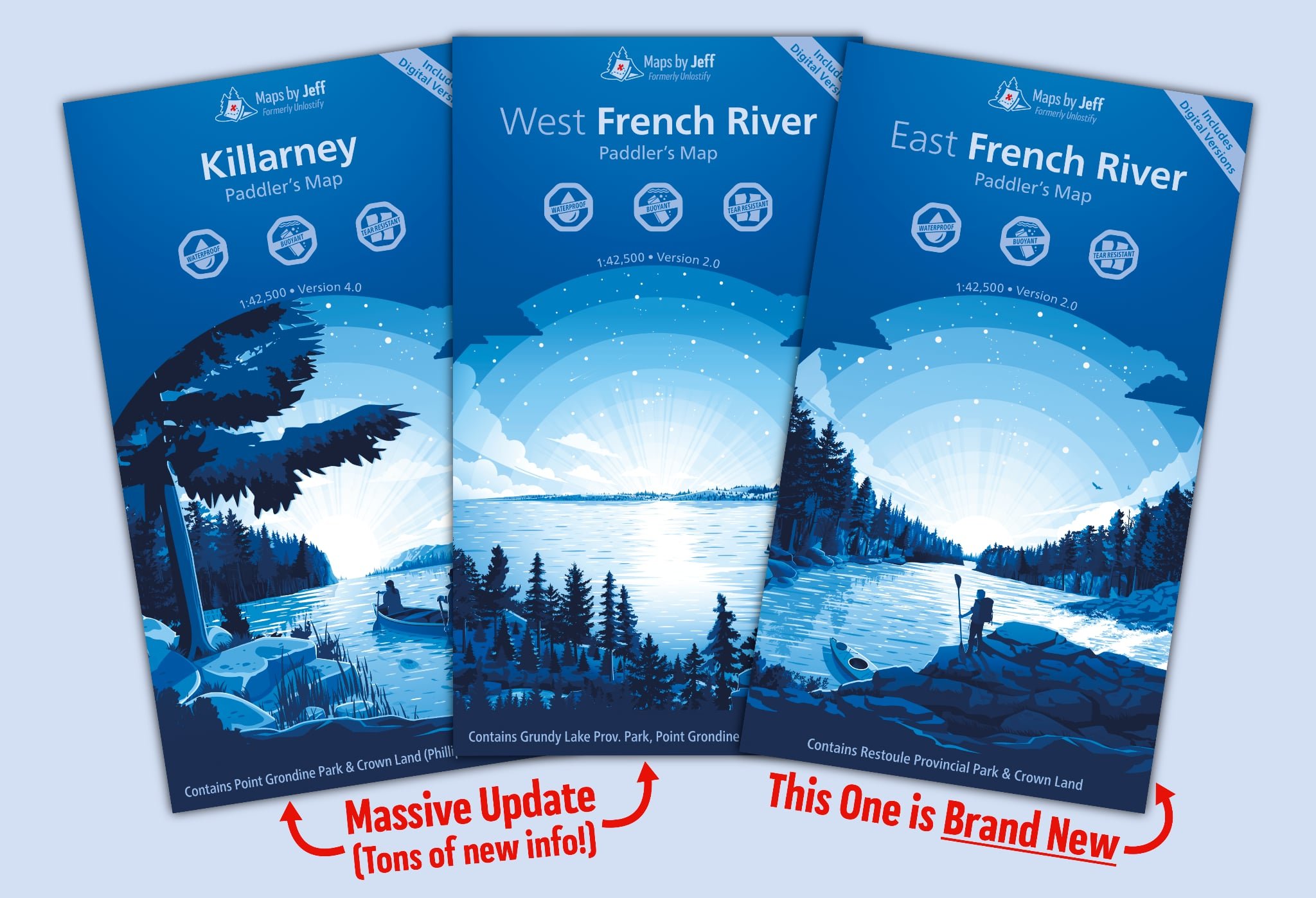
How To Use Your 'Maps By Jeff' On ArcGIS Earth

Avenza used to be the default go-to for using your Maps by Jeff on a mobile device, but after their recent merger, it doesn’t look like it’s a viable option any more. Although there aren’t many alternatives, thankfully ArcGIS is up to the challenge. With only a few steps, you will be up and running…
First, download the ArcGIS Earth app for your device using the iOS, Mac, Microsoft or Google Play store. It’s a free download.
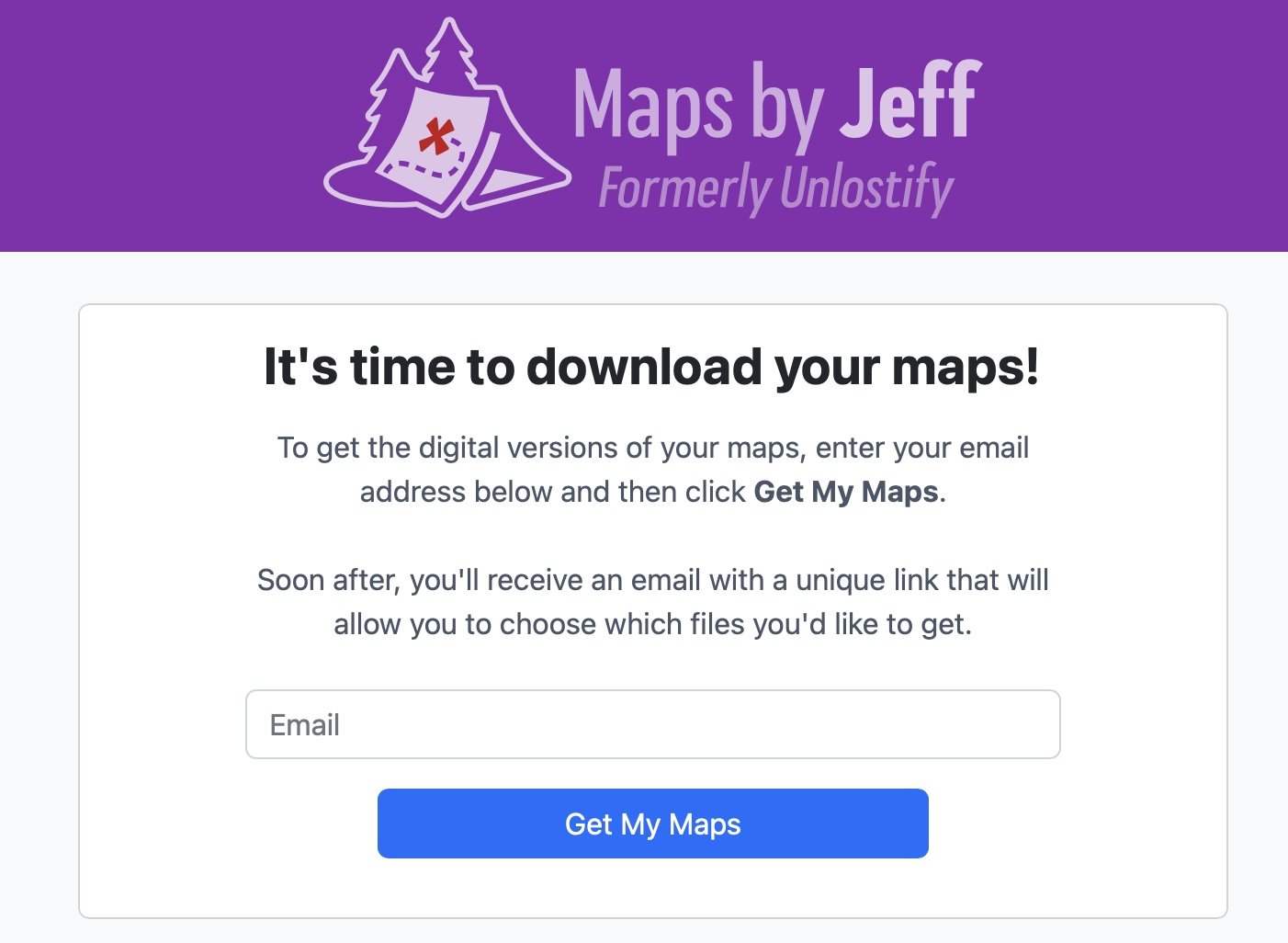
Second, head over to the Maps By Jeff Download page to download digital versions of the maps you have already purchased. An e-mail will be sent out minutes later with a special download link.
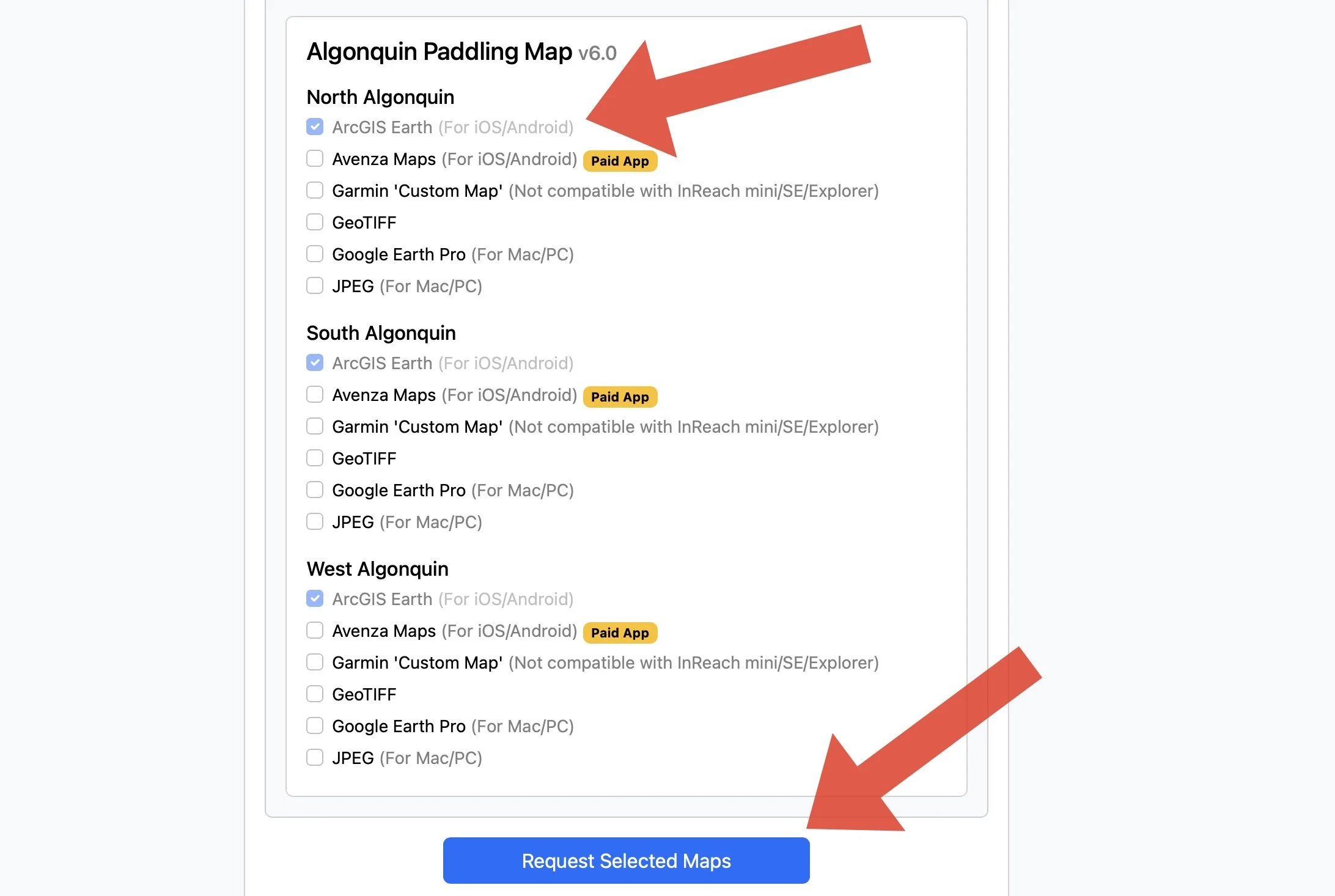
Third, check off the ArcGIS Earth versions of the maps you want to download and then select “Request selected maps”. It can take up to 10 minutes for the maps to be generated, and then you will receive a second e-mail with the links to download your paid maps.
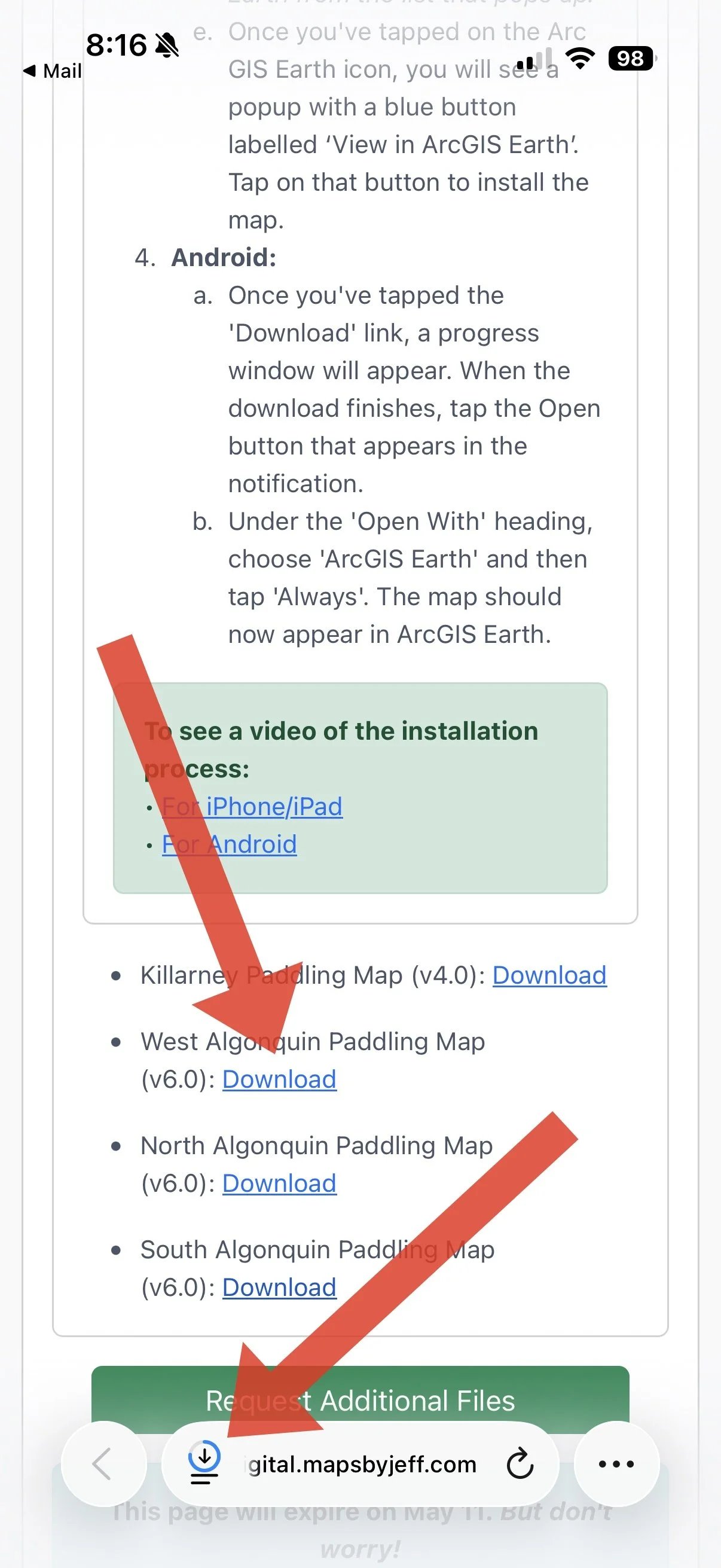
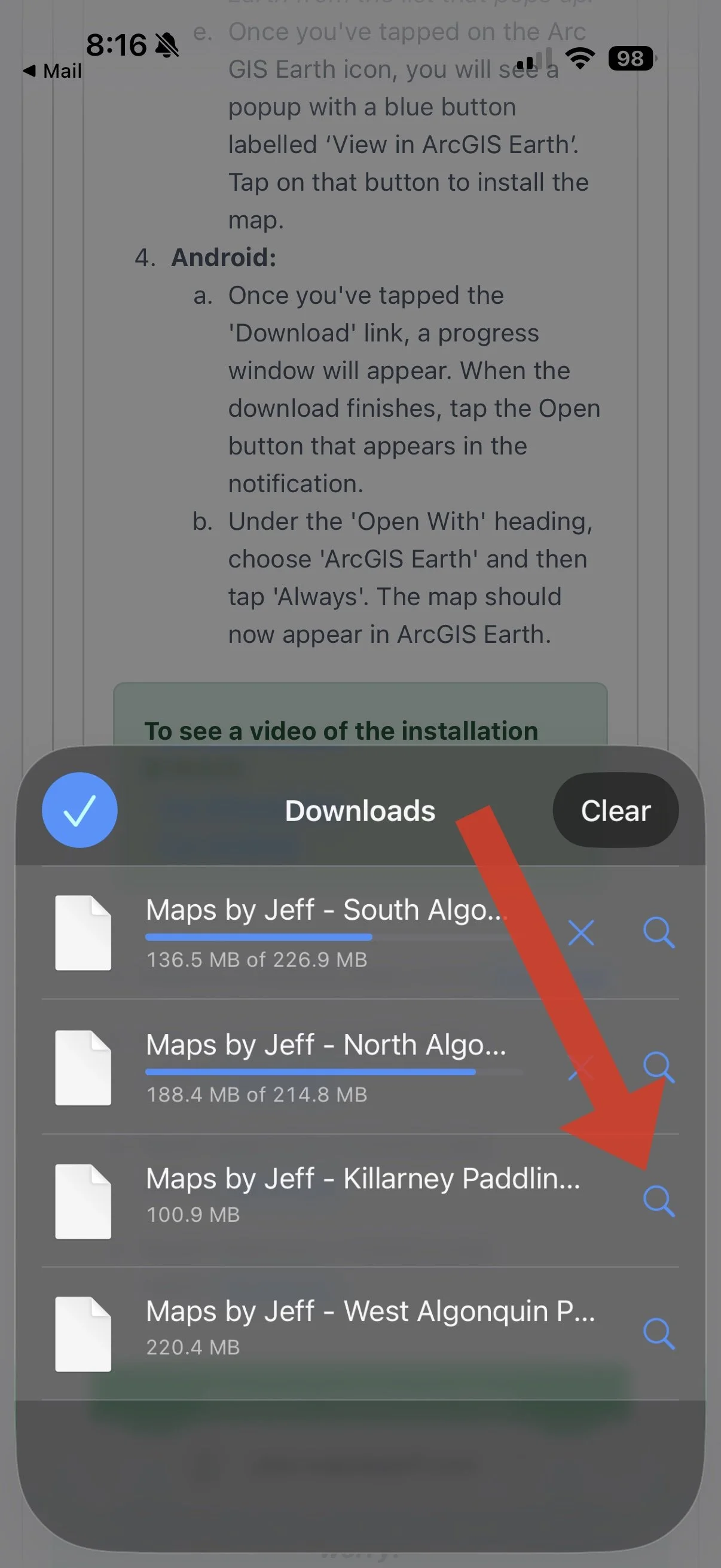
Fourth… click on the links for your desired maps, head to your downloads and open each map one at a time.
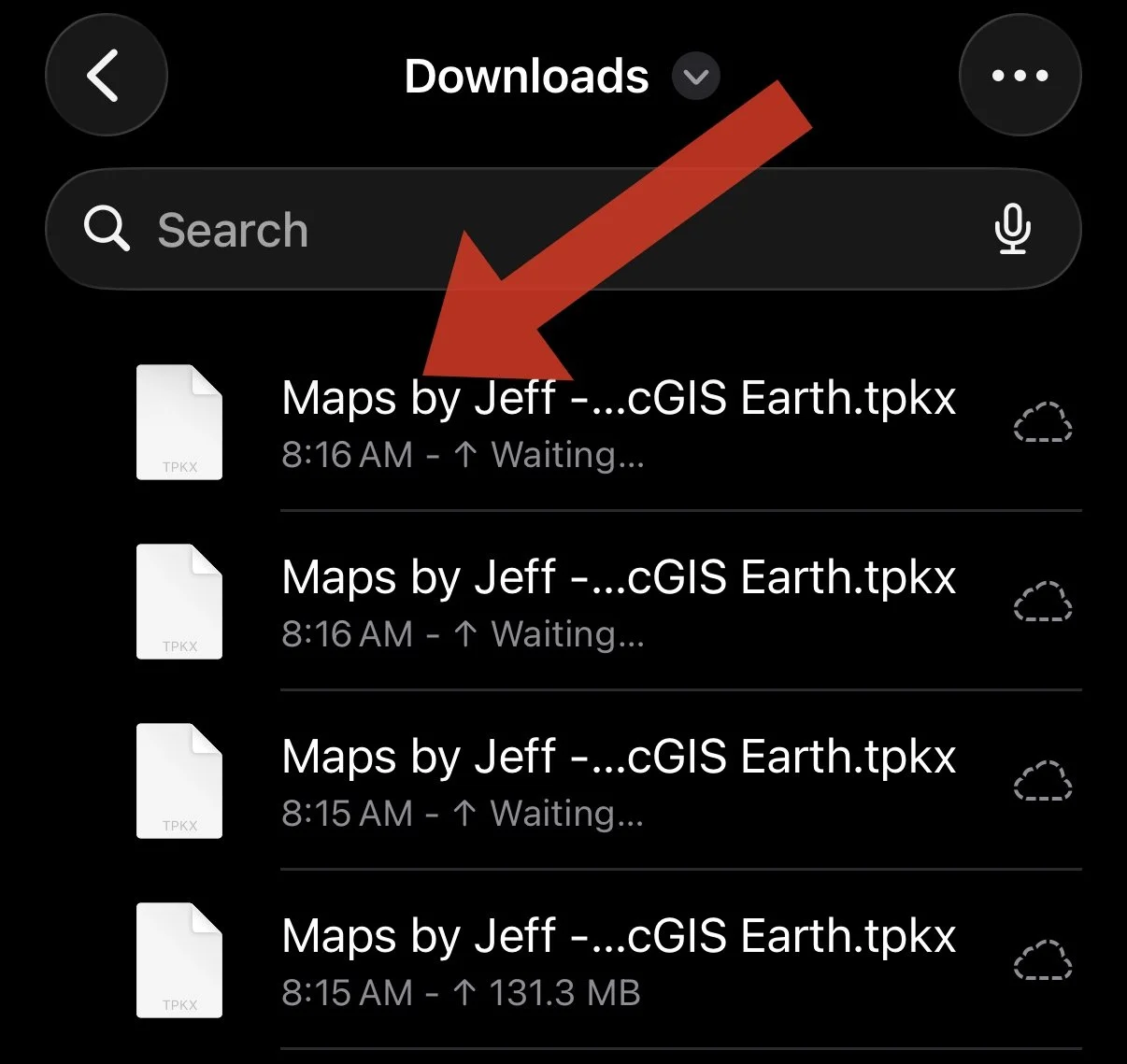
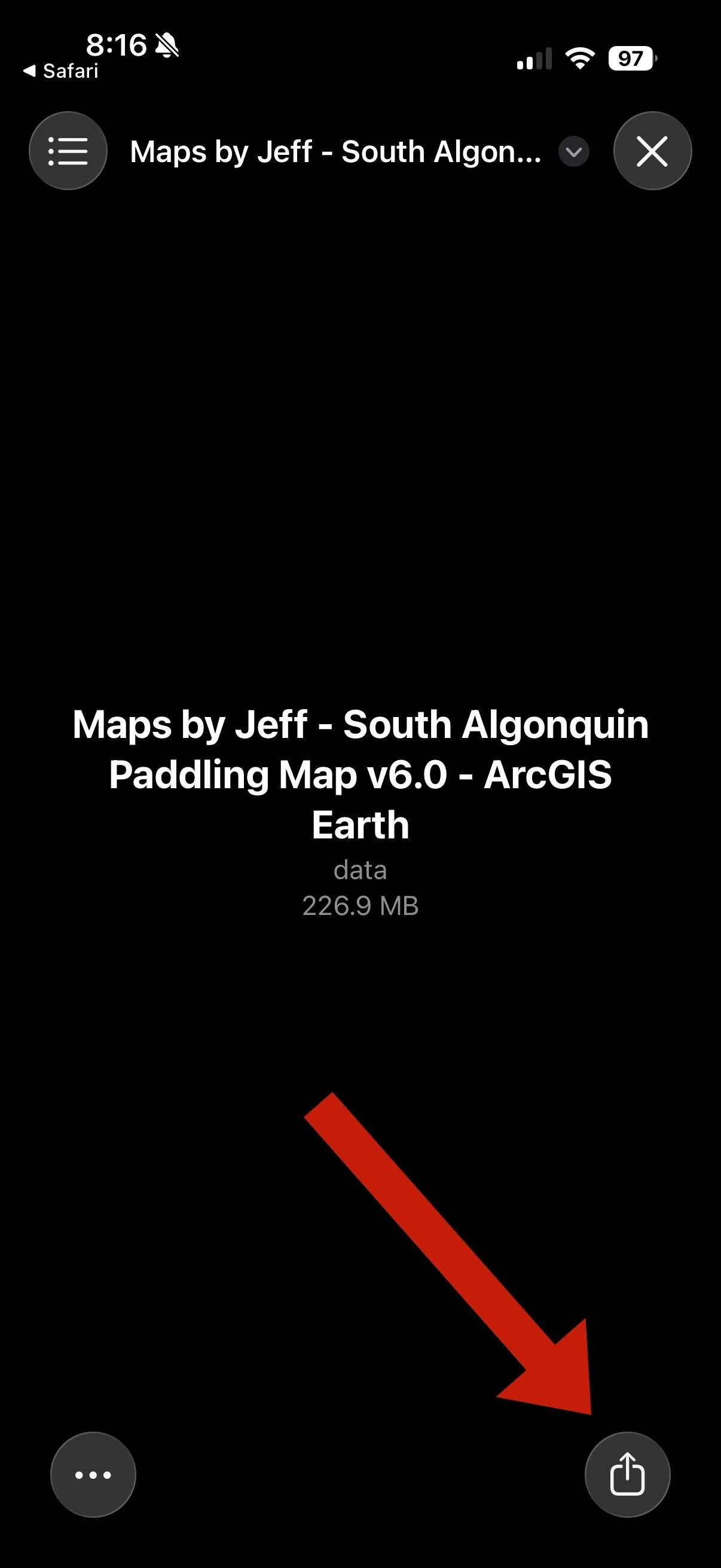
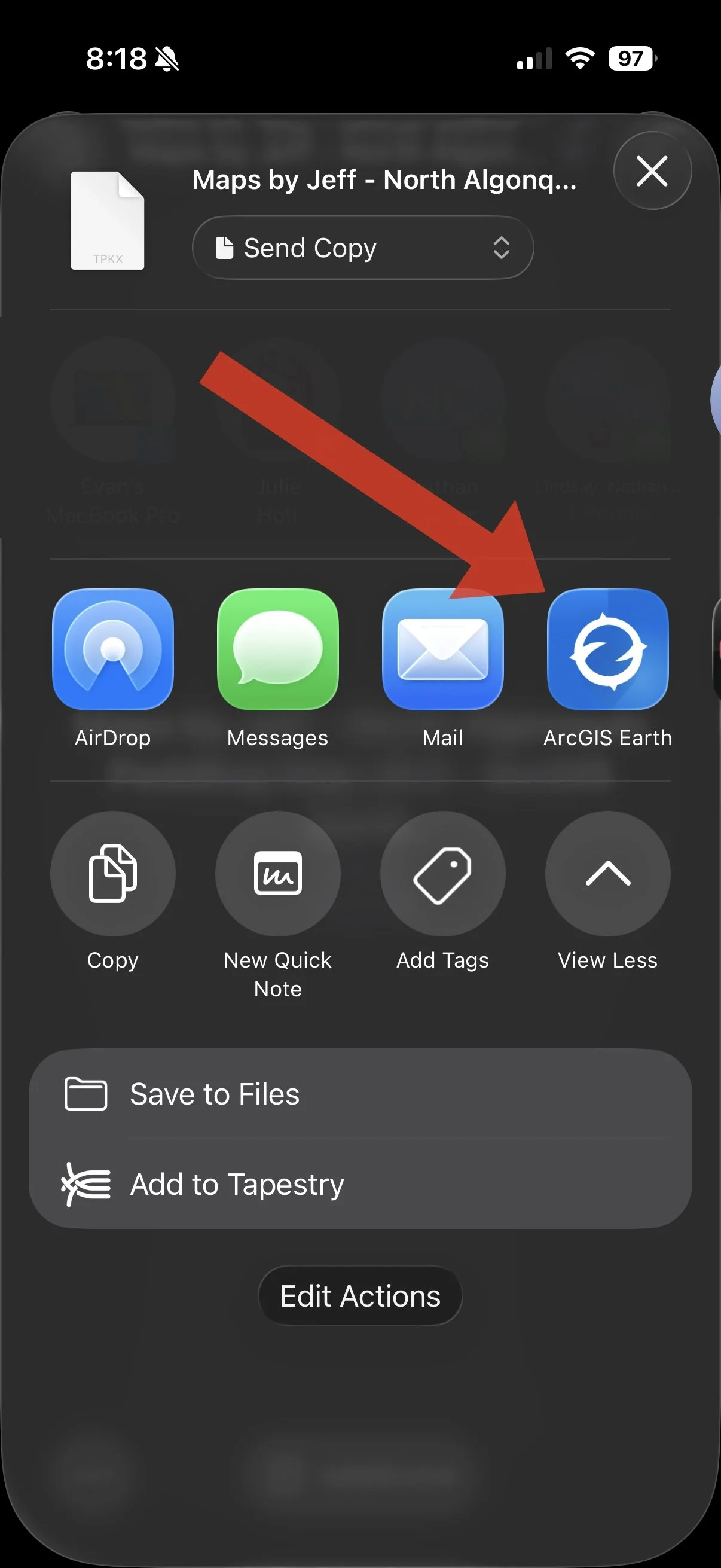
It will ask you which app you want to open the maps in. On an iPhone for example just choose ArcGIS Earth (if it’s not one of the default apps, swipe across to “More) , tap the ‘Edit’ button in the top right corner and then the plus sign beside the ArcGIS app. It will add it to the row of icons for other commonly used apps.).
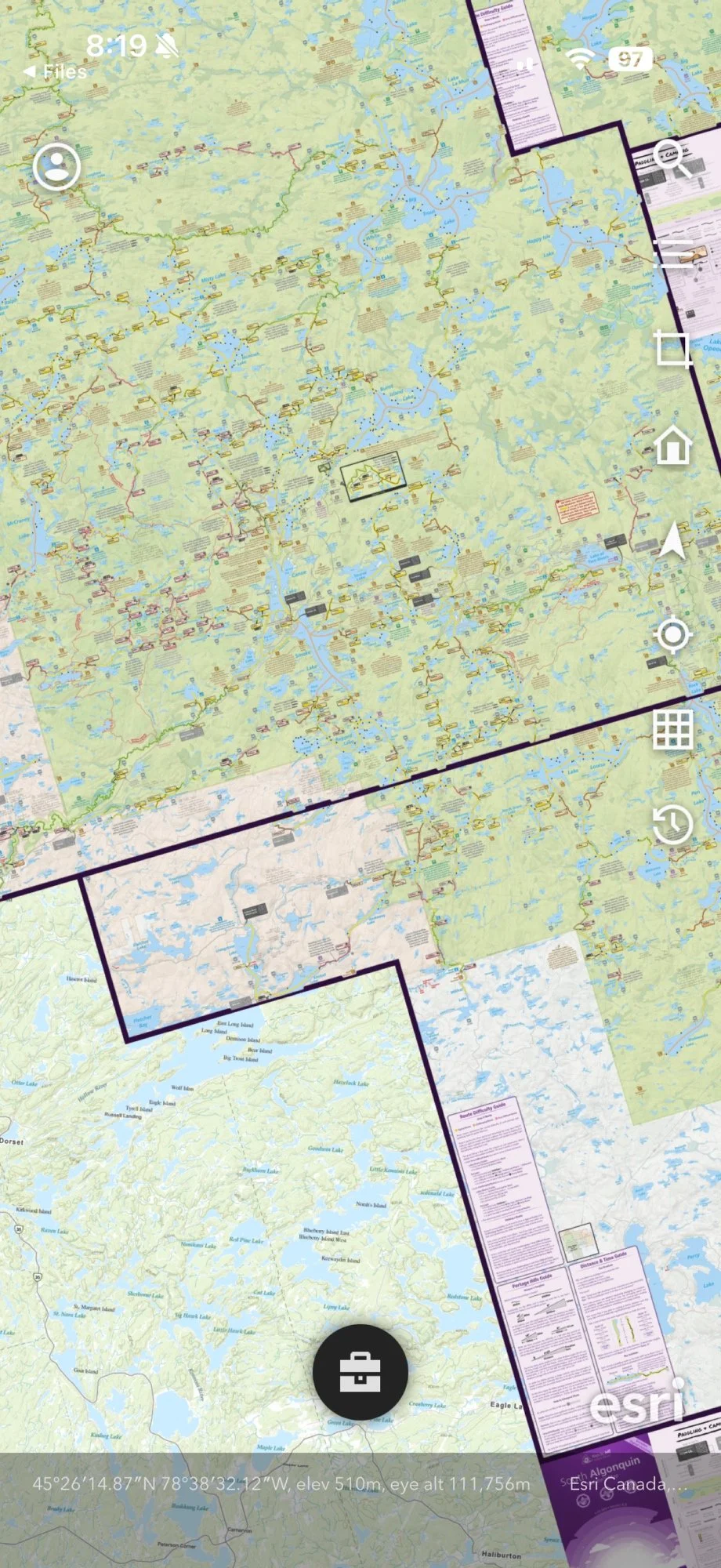
Finally, launch ArchGIS Earth and away you go! All of your maps will be loaded into the app and you can freely explore all of your maps in one spot. Pretty nifty.
Huge kudos to Jeff for going through all the work to integrate his maps into a new solution. If you are having any issues, don’t hesitate to reach out.